
Transfers
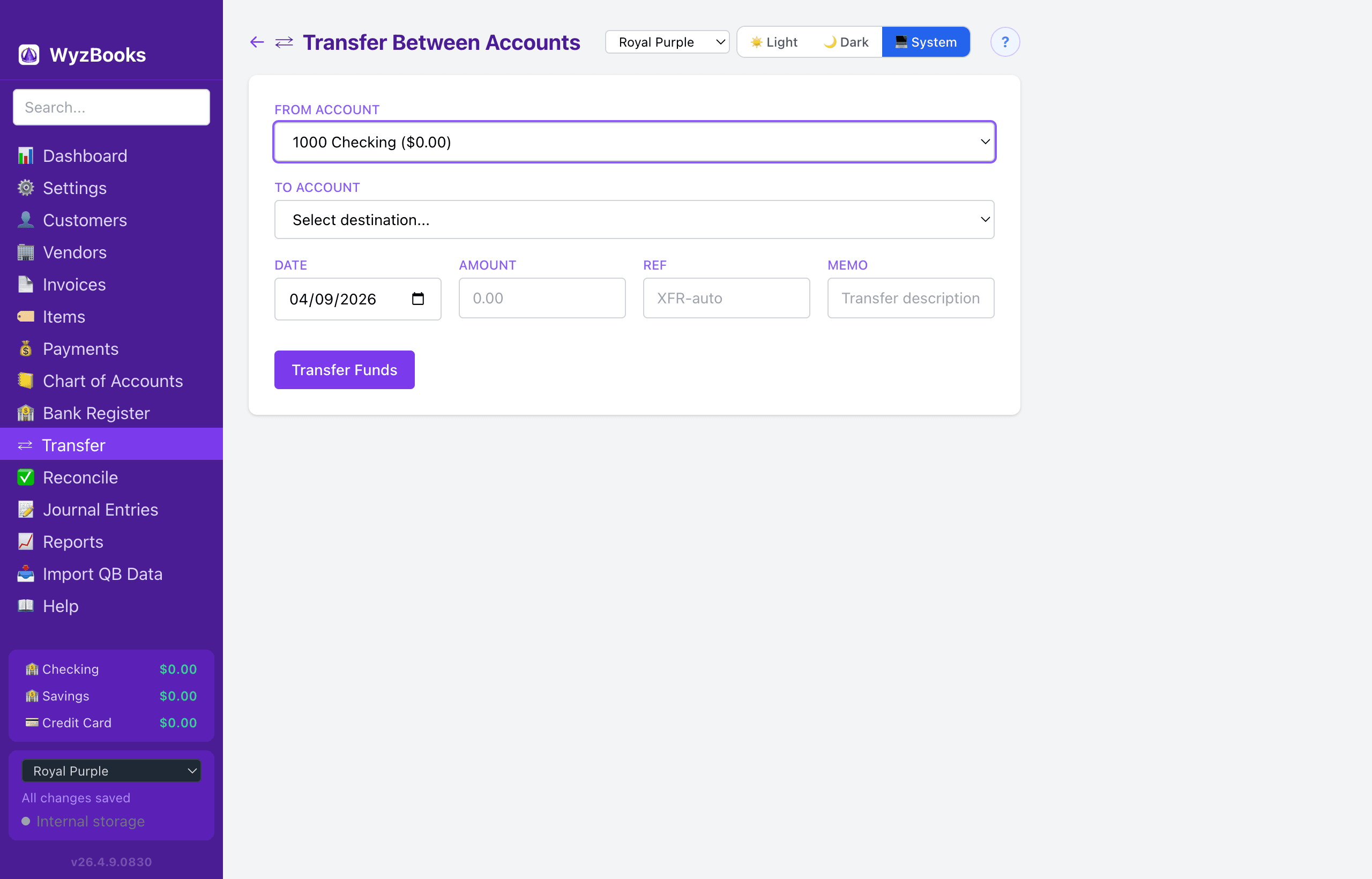
The Transfer page provides a simple form for moving money between bank and credit card accounts. Transfers don't affect your Profit & Loss — they only move funds between balance sheet accounts.
Transfer Form
- From Account — Select the source bank or credit card account. Shows the current balance for each account.
- To Account — Select the destination account (the source account is excluded from this dropdown).
- Date — Defaults to today.
- Amount — The dollar amount to transfer. Must be greater than zero.
- Memo — Optional description. If left blank, auto-generates as "Transfer: Source Name → Destination Name".
What Happens
Saving a transfer creates a balanced journal entry: debit the To account, credit the From account. The reference is auto-generated as "XFR-" followed by a unique code.
Only active bank and credit card accounts are available for transfers.
Recent Transfers
Below the form, the page displays your last 20 transfers (identified by the XFR- reference prefix), sorted by date with the most recent first. Each row shows the date, description, reference, and amount.